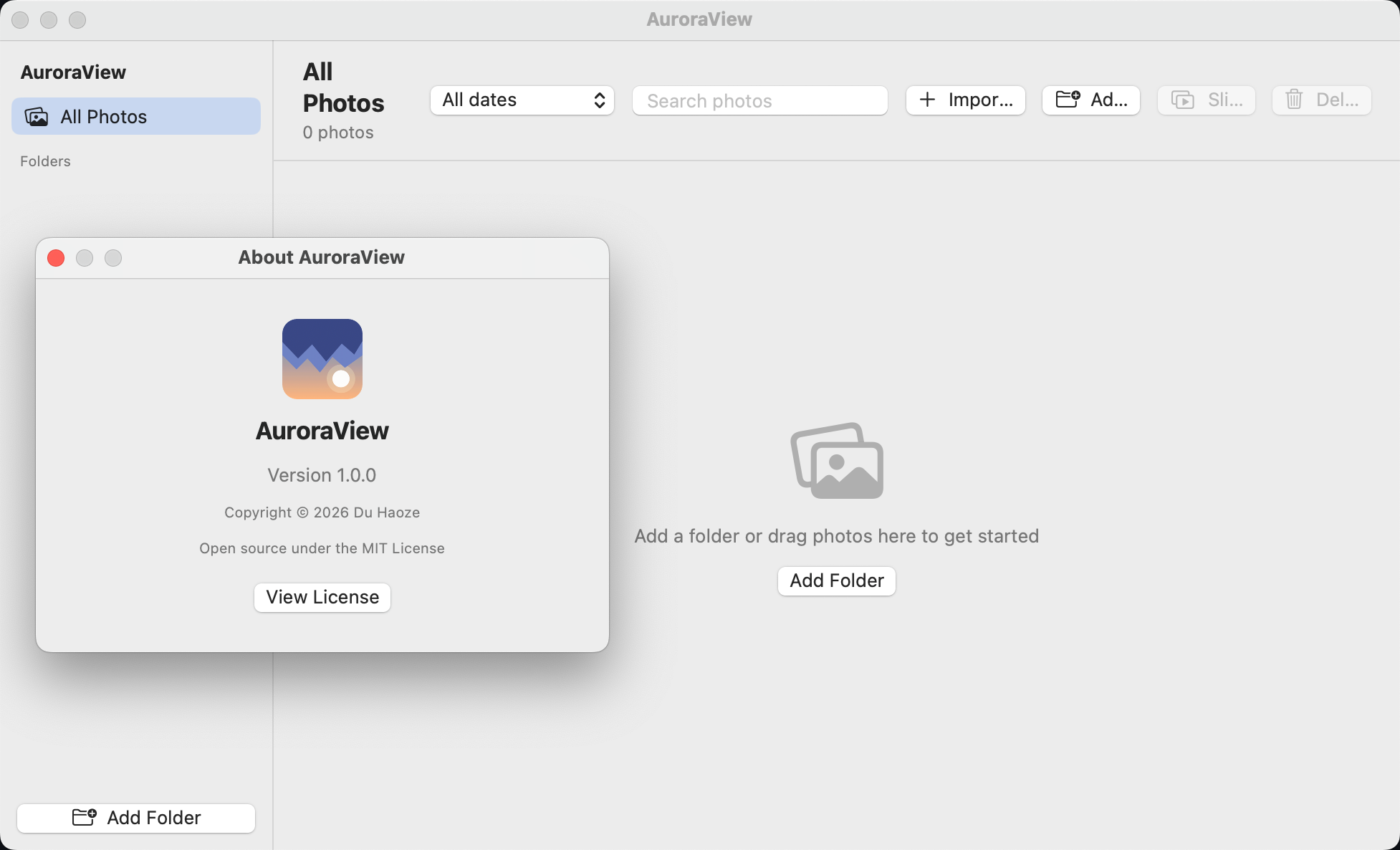
AuroraView

A beautiful photo viewer for macOS, inspired by Microsoft Photos on Windows 11.
Every format. Instant thumbnails. 100% offline. Your photos never leave your Mac.

macOS 14+ ImageIO Powered 100% Offline Bilingual
Download on GitHub Star on GitHub
SCROLL DOWN

Why AuroraView?

A photo viewer that feels native and fast — every format macOS supports, zero bloat, zero network.

📷

Every Format Supported

JPEG, PNG, GIF (animated), TIFF, BMP, HEIC/HEIF, WebP, AVIF, RAW (CR2/CR3/NEF/ARW/DNG…), ICO, ICNS and more — powered by ImageIO, the same engine behind Preview.

Eager Thumbnails

Thumbnails are generated in the background the moment a folder is imported — no hovering, no waiting.

🗂️

Smart Library

Date-grouped thumbnail grid, folder sidebar, date filter (Today / This week / This year…), filename search, drag & drop import, multi-select.

🖼️

Photos-style Viewer

Black lightbox, zoom slider, fit-to-window & actual size, pinch-to-zoom, trackpad pan, rotate, filmstrip, info panel, native share sheet.

🎬

Slideshow

Full-screen overlay with 3-second interval, fade transitions, play/pause and full keyboard control.

🔒

Privacy First

100% offline — no network code, no tracking, no data collection. Every photo is processed locally on your Mac.

Open Anything

Built on ImageIO — the same engine behind Preview.app, so it opens every format macOS can decode.

Common

JPEGPNGGIFTIFFBMP

Modern

HEICHEIFWebPAVIF

RAW

CR2CR3NEFARWDNG

Extras

ICOICNSSVG

🎨 SVG is rendered via WebKit, and animated GIFs play inline — everything else goes through ImageIO for fast, hardware-accelerated decoding.

From Folder to Gallery

Three simple steps — the app handles everything else

1

Add a Folder

Click "Add Folder" or drag a folder/photo onto the window. Thumbnails generate instantly in the background.

2

Browse & View

Double-click any thumbnail to open the viewer. Zoom, rotate, and jump between photos with the filmstrip or arrow keys.

3

Share & Slideshow

Start a full-screen slideshow, use the native share sheet, or set AuroraView as your default image viewer.

See It in Action

Clean, native macOS design — click to enlarge

AuroraView Library View
Library view with date-grouped thumbnails and folder sidebar

Built With

Modern, lightweight, zero dependencies

SwiftUI
Native macOS UI, Swift 6
ImageIO
Same engine as Preview, all formats
WebKit
SVG & animated content rendering
Zero Dependencies
No third-party code, no network

Get AuroraView

Free. Open source. MIT Licensed.

AuroraView

AuroraView

For macOS 14 Sonoma and later

Download from GitHub Releases
Apple Silicon & Intel 100% Offline MIT License

Or build from source: bash build.shneeds macOS 14+ & Xcode CLT